
QuickBooks Desktop Payroll helps businesses process employee salaries, manage tax calculations, and download payroll updates automatically. However, users sometimes face payroll update problems that interrupt payroll operations. One of the most common payroll issues is QuickBooks Error PS038.
This payroll update error generally appears when QuickBooks cannot process payroll updates because one or more paychecks remain stuck with the status “Online to Send.” As a result, payroll tax table updates fail, payroll processing stops, and QuickBooks repeatedly displays the PS038 warning message.
The good news is that this problem can usually be fixed using built-in QuickBooks tools and a few simple troubleshooting steps. In this complete guide, you will learn what causes QuickBooks Error PS038, how to identify it, and the best methods to resolve it permanently.
Table of Contents
What is QuickBooks Error PS038?
QuickBooks Error PS038 is a payroll update issue that usually occurs when payroll transactions remain pending inside QuickBooks Desktop. In most cases, one or more paychecks get stuck with the status “Online to Send.”
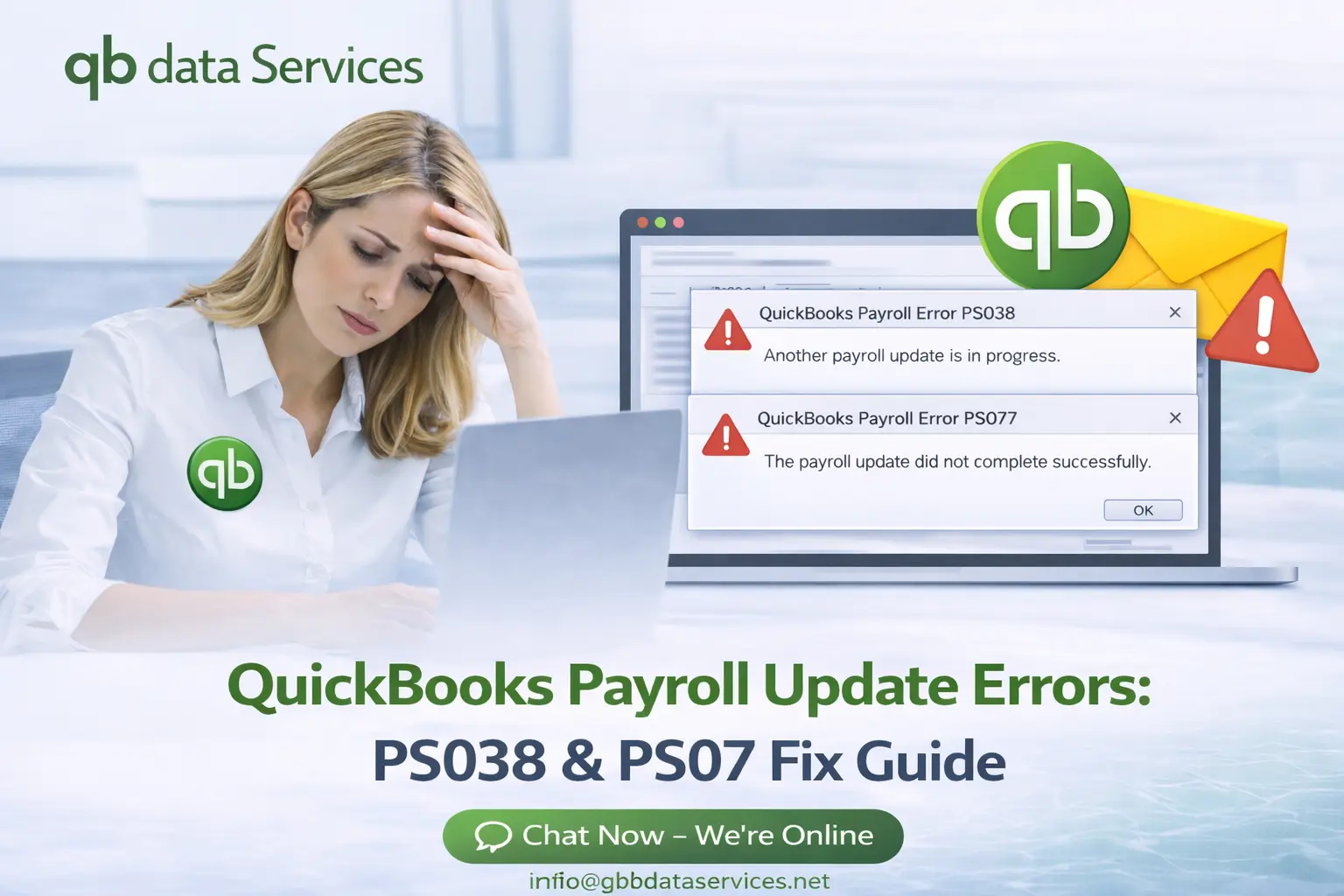
When QuickBooks detects these pending payroll transactions, it blocks payroll updates and displays the following message:
“You’ve retrieved the latest payroll update and validated your Payroll subscription. We strongly recommend that you go online again before mm/dd/yyyy. [PS038].”
This error can prevent users from:
- Downloading payroll updates
- Sending payroll data
- Processing employee payroll
- Updating payroll tax tables

Main Causes of QuickBooks Payroll Error PS038
1. Stuck Paychecks in Online to Send Status
This is the most common reason behind QuickBooks Error PS038. Payroll checks that were not successfully transmitted to Intuit servers remain stuck in the system.
2. Corrupted Company File Data
Damaged payroll or company file data may prevent QuickBooks from processing payroll transactions correctly.
3. Outdated QuickBooks Desktop Version
Running an older QuickBooks release can create compatibility problems with payroll services and tax table updates.
4. Inactive Payroll Subscription
If the payroll subscription is inactive or expired, QuickBooks may fail to validate payroll updates.
5. Damaged Payroll Update Files
Corrupted CPS folder files can interrupt payroll update downloads.
6. Firewall or Antivirus Restrictions
Security programs may block QuickBooks from connecting to payroll update servers.
7. Weak Internet Connection
Unstable internet connectivity can interrupt payroll transmission and update downloads.
Symptoms of QuickBooks Error PS038
- Payroll updates fail repeatedly
- QuickBooks displays PS038 warning message
- Paychecks remain stuck as Online to Send
- QuickBooks freezes during payroll updates
- Unable to process payroll successfully
- QuickBooks performance becomes slow
Important Things to Do Before Troubleshooting
Before fixing payroll update errors, it is important to perform a few safety steps.
Update QuickBooks Desktop
Install the latest QuickBooks updates before troubleshooting payroll problems.
Switch to Single User Mode
Running payroll troubleshooting in Single User Mode reduces system conflicts.
Create a Backup of Your Company File
Always create a complete backup before making payroll or company file changes.
How to Fix QuickBooks Error PS038
Solution 1: Update QuickBooks Desktop
Using the latest QuickBooks release improves payroll compatibility.
- Open QuickBooks Desktop
- Go to Help
- Select Update QuickBooks Desktop
- Click Update Now
- Select Get Updates
- Restart QuickBooks after update
Solution 2: Send Payroll Data
Sending payroll usage data may clear pending payroll transactions.
- Open QuickBooks Desktop
- Go to Employees
- Select My Payroll Service
- Click Send Payroll Data
- Enter Payroll PIN if prompted
- Retry payroll updates
Solution 3: Locate Stuck Paychecks
QuickBooks Error PS038 often occurs because paychecks remain stuck as “Online to Send.”
- Go to Edit
- Select Find
- Open Advanced Tab
- Filter transactions with Online Status = Online to Send
- Review affected payroll checks
Solution 4: Run Verify and Rebuild Data Tool
QuickBooks provides Verify and Rebuild tools to repair damaged payroll data.
Run Verify Data
- Go to File
- Select Utilities
- Click Verify Data
- Allow QuickBooks to scan for issues
Run Rebuild Data
- Go to File
- Select Utilities
- Click Rebuild Data
- Create company file backup
- Wait for repair process to complete
Solution 5: Edit and Re-Save Stuck Paychecks
Refreshing stuck payroll checks can remove pending payroll status.
- Open affected paycheck
- Add temporary earning item
- Save paycheck
- Remove temporary item
- Save paycheck again
Solution 6: Verify Payroll Subscription
QuickBooks payroll updates require an active payroll subscription.
- Go to Employees
- Select My Payroll Service
- Open Manage Service Key
- Confirm subscription shows Active
- Verify service key details
Solution 7: Rename CPS Folder
Refreshing payroll update files can fix damaged update components.
- Close QuickBooks
- Locate CPS folder
- Rename folder to CPSOLD
- Restart QuickBooks
- Download payroll updates again
Solution 8: Use QuickBooks Tool Hub
QuickBooks Tool Hub repairs common Desktop and payroll problems.
- Quick Fix My Program
- Install Diagnostic Tool
- QuickBooks File Doctor
Advanced Troubleshooting Methods
Allow QuickBooks Through Firewall
Ensure QuickBooks can access internet connections required for payroll updates.
Disable Antivirus Temporarily
Security programs sometimes block payroll update services.
Run QuickBooks as Administrator
Administrative permissions help QuickBooks process payroll services correctly.
Check Internet Connectivity
Stable internet connection is necessary for payroll downloads.
Tips to Prevent QuickBooks Payroll Error PS038
- Keep QuickBooks updated regularly
- Install payroll tax table updates frequently
- Send payroll data after payroll processing
- Run Verify Data monthly
- Maintain active payroll subscription
- Create regular backups of company files
Need Expert QuickBooks Payroll Support?
Fix Payroll Errors Fast with Certified QuickBooks Experts
Our QuickBooks specialists help businesses resolve payroll update problems, repair company files, and fix QuickBooks Desktop errors quickly and securely.
24/7 QuickBooks Payroll Support Available
Frequently Asked Questions
What does QuickBooks Error PS038 mean?
QuickBooks Error PS038 means payroll data remains stuck inside QuickBooks and cannot be transmitted successfully.
Can Verify and Rebuild fix PS038?
Yes, Verify and Rebuild Data tools often repair payroll data corruption causing Error PS038.
Why do paychecks get stuck in QuickBooks?
Payroll checks may remain stuck due to damaged company file data, interrupted payroll transmission, or internet connectivity issues.
Can firewall block payroll updates?
Yes, firewall and antivirus programs can prevent QuickBooks from connecting to payroll update servers.
How do I prevent payroll update errors?
Keep QuickBooks updated, maintain active payroll subscription, and run Verify Data regularly.
Conclusion
QuickBooks Error PS038 is a common payroll update issue usually caused by stuck paychecks or damaged payroll data. Fortunately, by updating QuickBooks, sending payroll data, repairing company file issues, and refreshing stuck transactions, the problem can usually be resolved successfully.
If payroll errors continue after troubleshooting, professional QuickBooks support can help restore payroll functionality safely and quickly.